
Google Meet backgrounds
Google Meet background with logo
To use a Google Meet background with your logo, open Meet's backgrounds panel (Apply visual effects), upload a 1920×1080 image that contains the logo and select it. MeetingBrand creates that image from your company website, and the MeetingBrand Chrome extension applies the branded background to the camera in Google Meet automatically — today from the admin's own browser, and for every employee after the extension's Chrome Web Store listing.
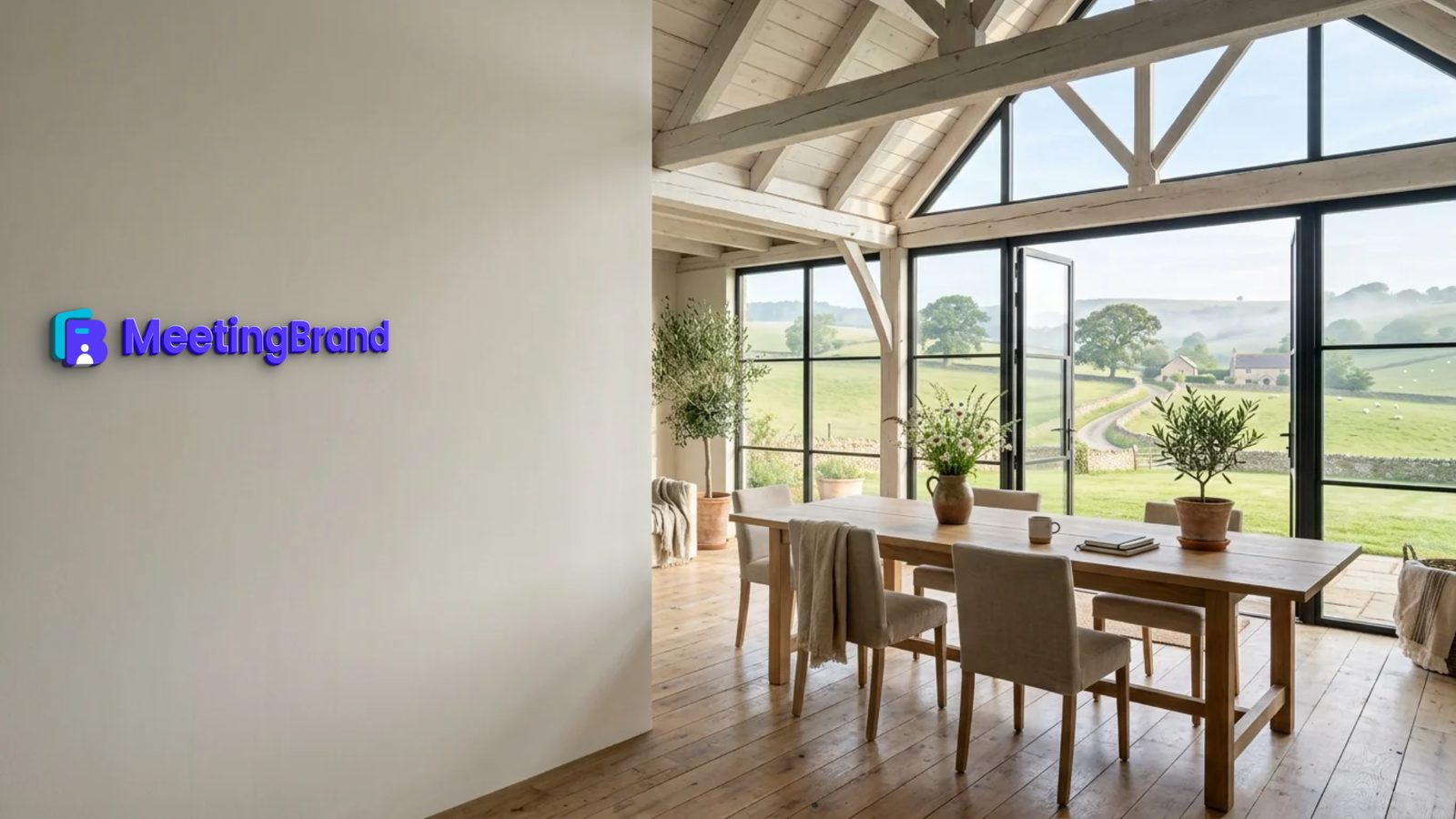
MeetingBrand creates branded Microsoft Teams, Google Meet and Zoom backgrounds from a company's website: it fetches the logo and brand colors, mounts the logo as a physical sign in one of 22 realistic office rooms and exports each background as a 1920×1080 PNG. Delivery is built in for Microsoft Teams via the MeetingBrand Agent, Google Meet via the MeetingBrand Chrome extension; Zoom and directory sync are coming. It is free during early access.
A Google Meet custom background that looks like your office
Google Meet accepts a custom background image, unless a Google Workspace admin has turned custom backgrounds off. MeetingBrand builds that image from your website: your logo and brand colors, mounted as a physical sign in one of 22 realistic office rooms with 14 sign treatments, exported at 1920×1080.
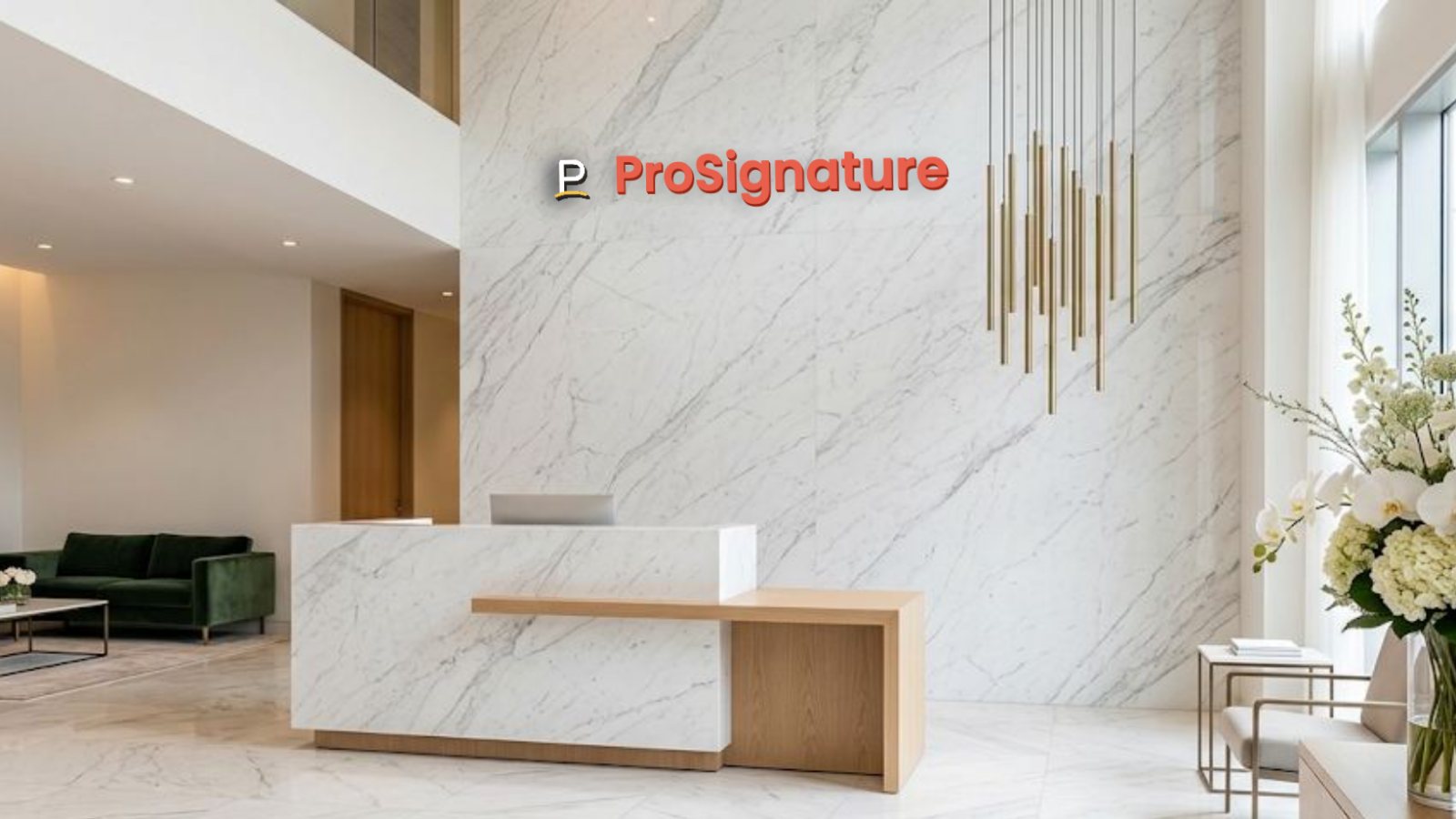
Because the logo is part of the room — on a stone wall, a marble reception or a farmhouse studio — the background reads as a place, not as a slide behind you.
Applied by the MeetingBrand Chrome extension
The MeetingBrand Chrome extension applies the branded background to the camera in Google Meet automatically. Today it is connected from the admin's own browser in My team, because enrollment uses the admin's key. Once its Chrome Web Store listing is published, an admin force-installs it for every managed Chrome from the Google Admin console, so it applies for every employee. Until then, anyone can upload the 1920×1080 PNG in Meet's backgrounds panel.
How to make it — step by step
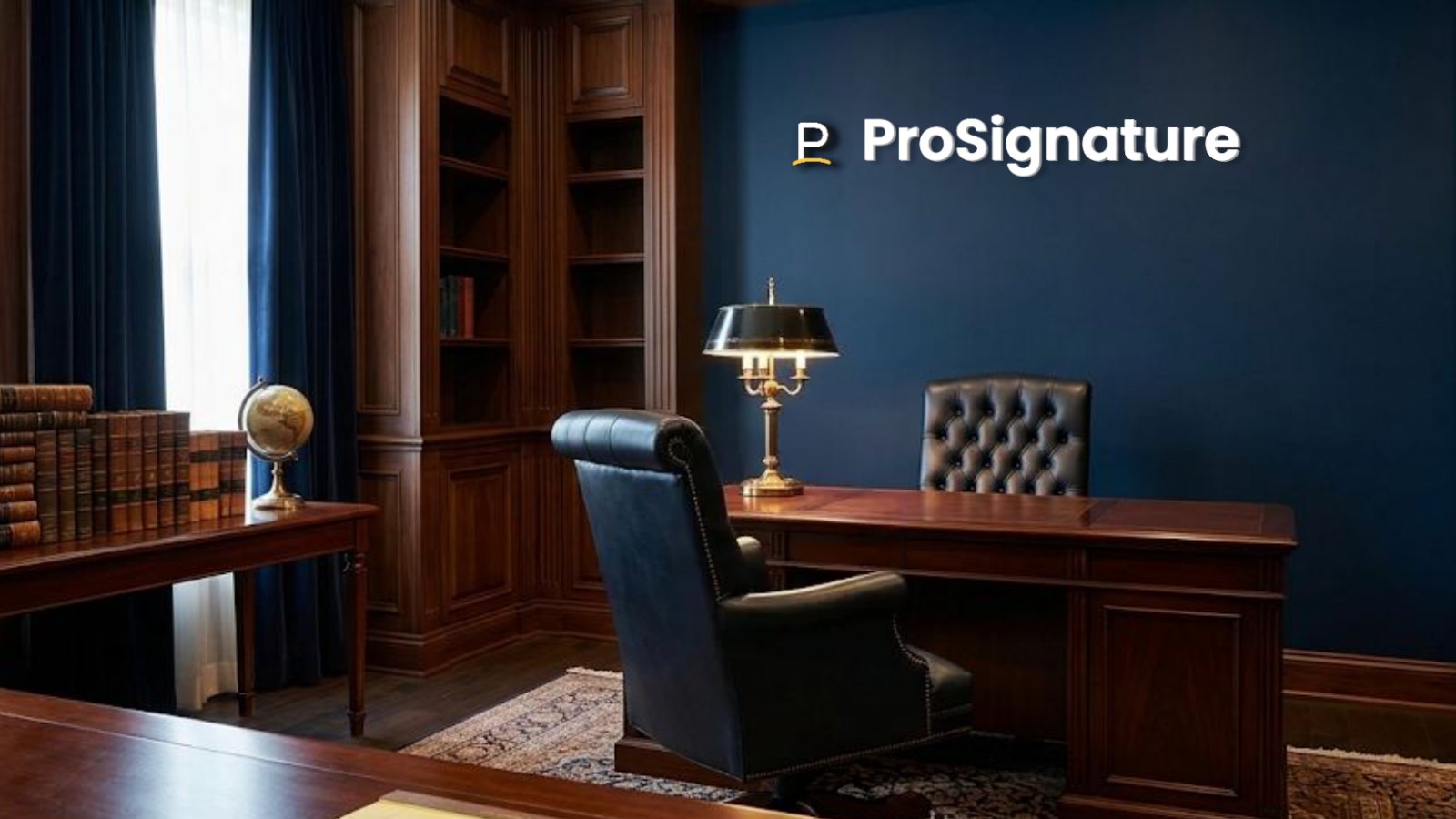
- Create your brand. Open meetingbrand.com/app/ and sign up with your work email. MeetingBrand fetches your company's public logo and brand colors from that domain and renders 3 starter backgrounds (Concrete corner loft, Brick creative loft, Navy executive study). With a personal email, type your website instead, or upload a logo.
- Pick the room and the sign. Choose from 22 office rooms and 14 sign treatments — brass, oak, backlit, LED, glass and more — and turn on the optional name bar with each person's name, title, department and company.
- Download or connect the extension. Download the 1920×1080 PNG, or connect the MeetingBrand Chrome extension from My team in your own browser.
- Use it in Google Meet. With the extension connected, the branded background is applied to the camera when you join. Without it, open Apply visual effects in Meet, upload the PNG and select it.
What MeetingBrand does on Google Meet today
No meeting platform lets a third party switch a person's active background by API, so here is exactly what happens, verified October 10, 2026 against product build v96.
Google Meet
Status, October 10, 2026: Live from the admin's browser. The MeetingBrand Chrome extension applies the branded background to the camera in Google Meet; today it is connected from the admin's own browser, because enrollment uses the admin's key. For every employee it follows the Chrome Web Store listing, which is not published yet: then an admin force-installs it for managed Chrome from the Google Admin console. Until then the extension is a developer package in the app.
Facts
| Input | Your company website. Sign up with a work email and MeetingBrand fetches the public logo and brand colors from that domain; you can also upload a logo. |
|---|---|
| Rooms | 22 built-in office rooms: City open space, Walnut executive wall, Tel Aviv sunset window, Stone & slats lounge, Tel Aviv beach window, Concrete gallery night, Manhattan skyline window, Forest window, Concrete corner loft, Brick creative loft, Navy executive study, Marble reception, Glass office corridor, Travertine lounge, Concrete open office, Oak skyline office, Charcoal wall oak office, Arched-window loft lounge, Sunset tower office, Alpine lake executive office, Farmhouse meadow studio, Stone farmhouse study. |
| Sign treatments | 14: Wall sign, Wall sticker, Silver letters, Brass letters, Oak letters, Washed wood, Black letters, Illuminated, Glass signage, Metal plaque, Backlit plate, 3D acrylic, LED signage, Wallpaper. |
| Output | 1920×1080 PNG download per background, for any meeting app that accepts custom backgrounds. |
| Google Meet | Live from the admin's browser. The MeetingBrand Chrome extension applies the branded background to the camera in Google Meet; today it is connected from the admin's own browser, because enrollment uses the admin's key. For every employee it follows the Chrome Web Store listing, which is not published yet: then an admin force-installs it for managed Chrome from the Google Admin console. Until then the extension is a developer package in the app. |
| Price | Free during early access. |
Questions
How do I add my company logo as a Google Meet background?
Create a 1920×1080 image that contains your logo — MeetingBrand makes one from your company website — then open Apply visual effects in Google Meet, upload the image and select it.
Can a branded background apply in Google Meet automatically?
Yes, with the MeetingBrand Chrome extension, which applies the branded background to the camera in Google Meet automatically — today from the admin's own browser, and for every employee after the extension's Chrome Web Store listing.
Is the MeetingBrand Chrome extension on the Chrome Web Store?
Not yet. Until the listing is published the extension is a developer package in the app, connected from the admin's own browser; after it, an admin force-installs it for managed Chrome from the Google Admin console.
Can I upload a custom background in Google Meet without an extension?
Yes, unless your Google Workspace admin has turned custom backgrounds off: download the 1920×1080 PNG from MeetingBrand and upload it in Meet's backgrounds panel.
Is MeetingBrand free?
Yes. MeetingBrand is free during early access.
Make yours now
Open the generator, sign up with your work email and your logo is on the wall in a minute. Free during early access.
Related: Teams background with logo · Zoom background with logo · Virtual background generator · Branded backgrounds for small businesses
Facts verified October 10, 2026 against product build v96. Written and maintained by the MeetingBrand team; this block changes only when a fact changes.